What visitors see on their phone
Visitors follow the queue on their phone by QR, with no app to install and no sign-up. Here is what they see, from the queue page to being called.
Updated 1 min read
- 1
The queue page, from the QR poster
Anyone who scans the QR poster sees the number being called and the waiting list. Visitor names are masked, such as Ar\*\*\*. The page updates by itself, with no need to reload.
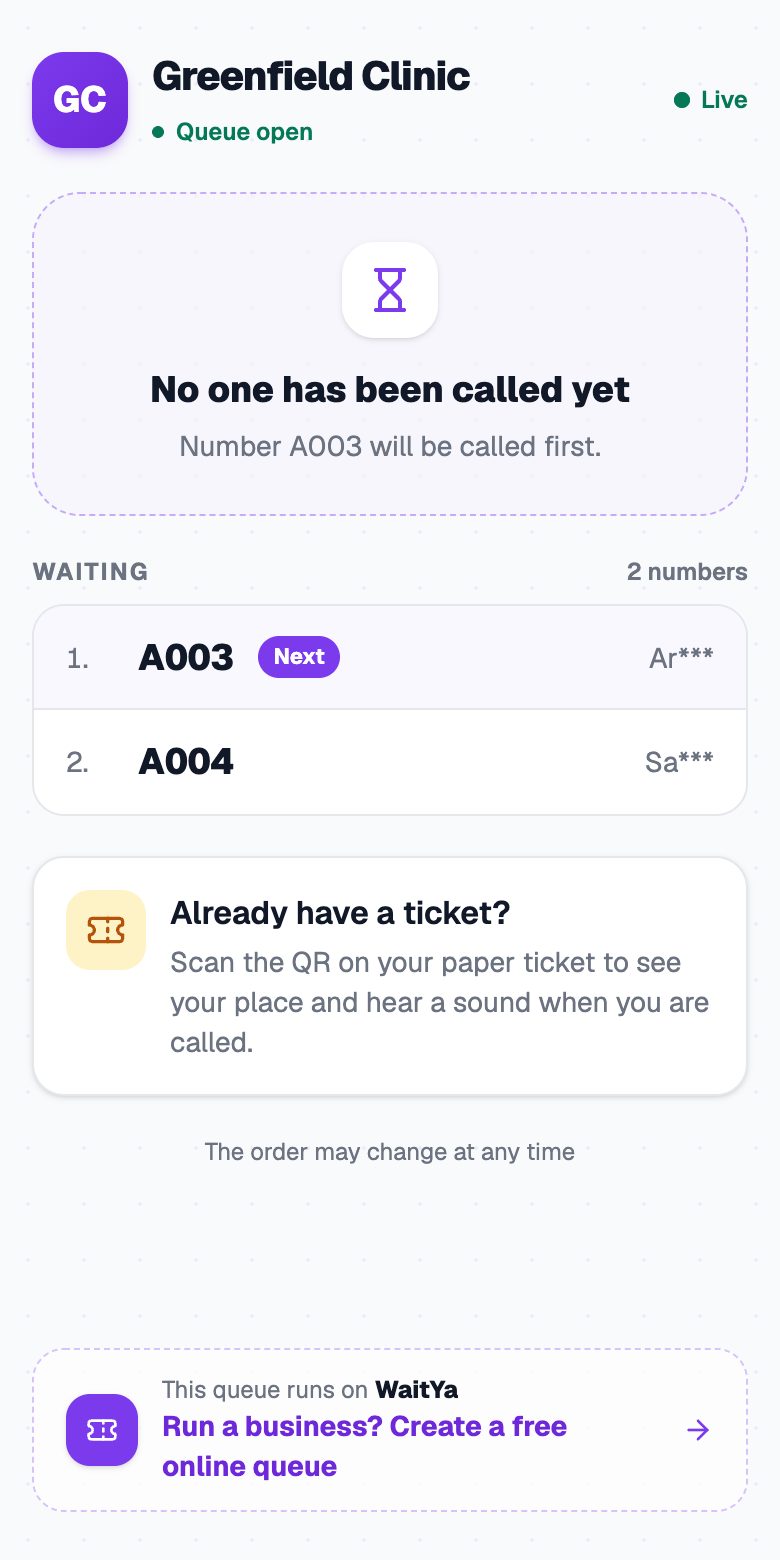
The queue page on a phone, with the called number and the waiting list. - 2
The ticket, from the QR on the ticket
The QR on a paper ticket, or the one the staff shows, opens that visitor's own ticket. It shows their number, how many are ahead, and who is in front of them. Press Turn On Sound so the phone rings and vibrates when they are called.
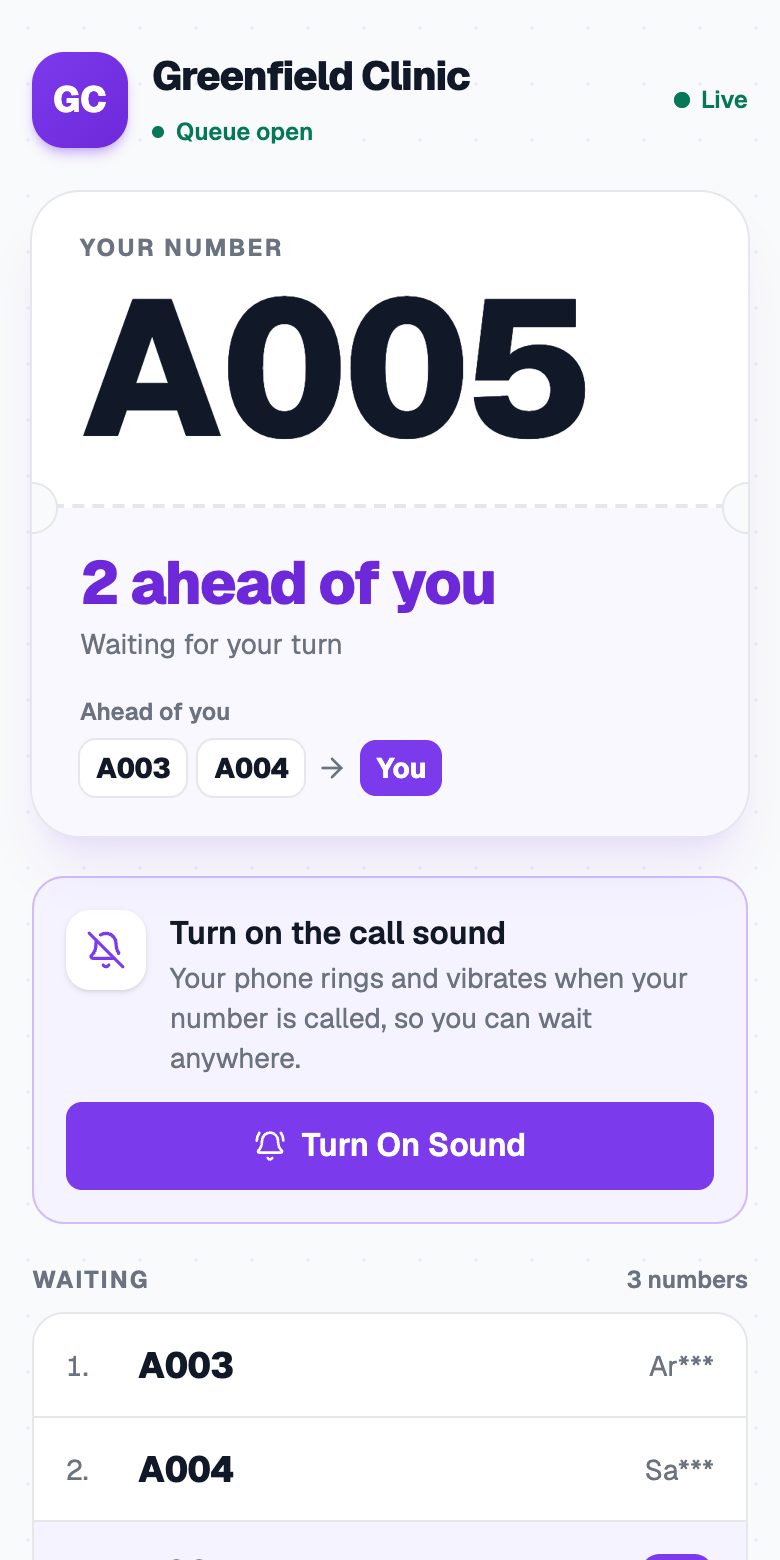
Ticket A005 on a phone, with 2 ahead and the Turn On Sound button. - 3
When they are called
The screen changes to It's your turn!, with the number and where to go. The visitor shows this screen to the staff.
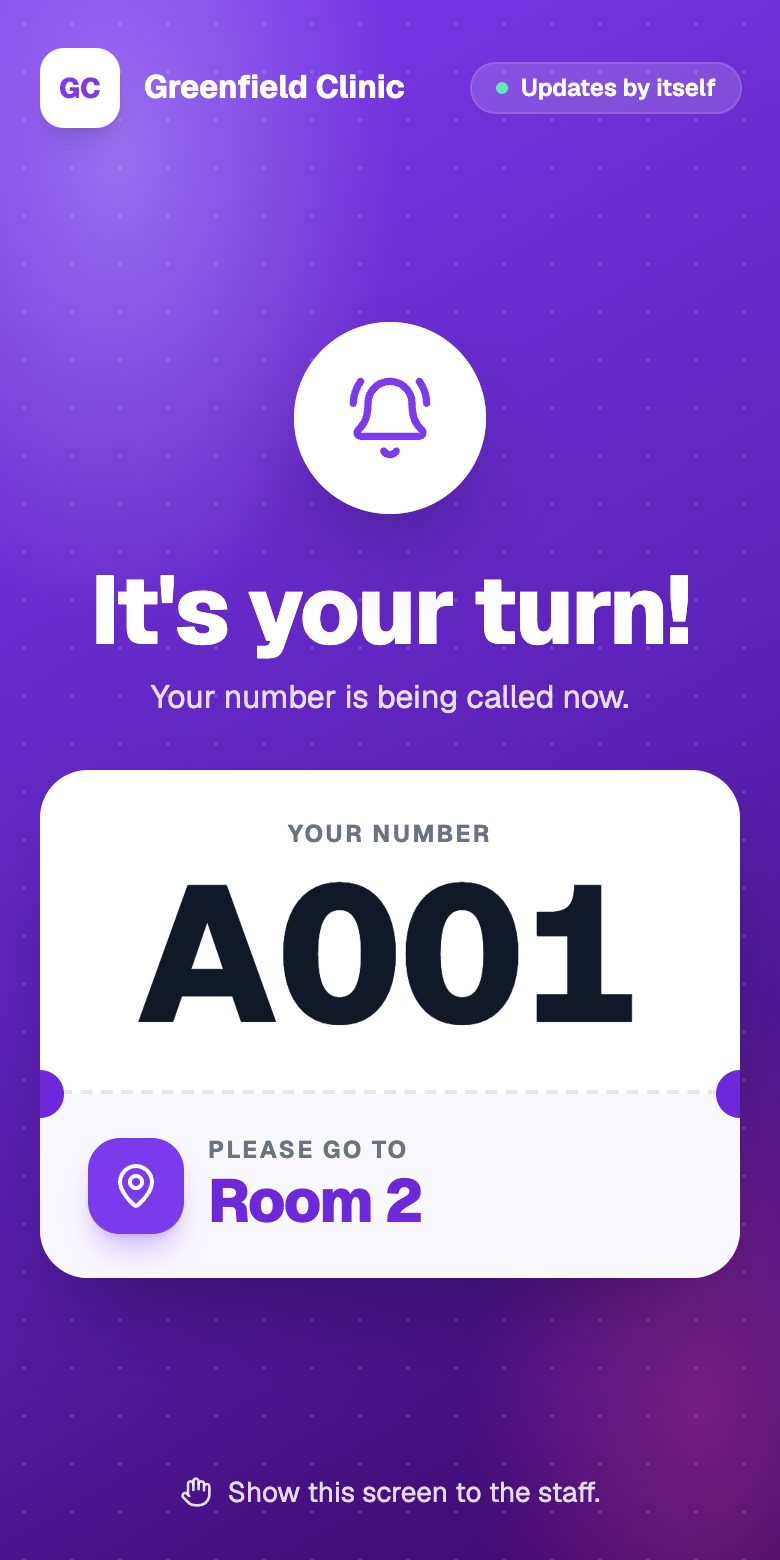
The visitor's phone when their number is called to Room 2.
The page needs to stay open
The call sound only plays while the ticket page is open in the browser. Ask visitors not to close the tab.
No phone?
Visitors without a phone are still called by the TV display, with voice, or by the staff.