Deleting and restoring your business
Delete your business from WaitYa with a 30-day grace period. During that time you can restore it from the dashboard.
Updated 1 min read
- 1
Open Settings, then Account, and press Delete business
The Delete business card is at the very bottom of the Account page.
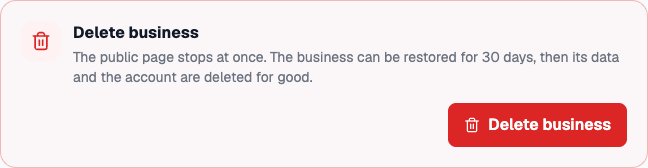
The Delete business card on the Account page. - 2
Confirm with your password and the business name
Enter your password, then type the business name exactly as shown. The Delete business button turns on once both are filled in. The public page stops at once.
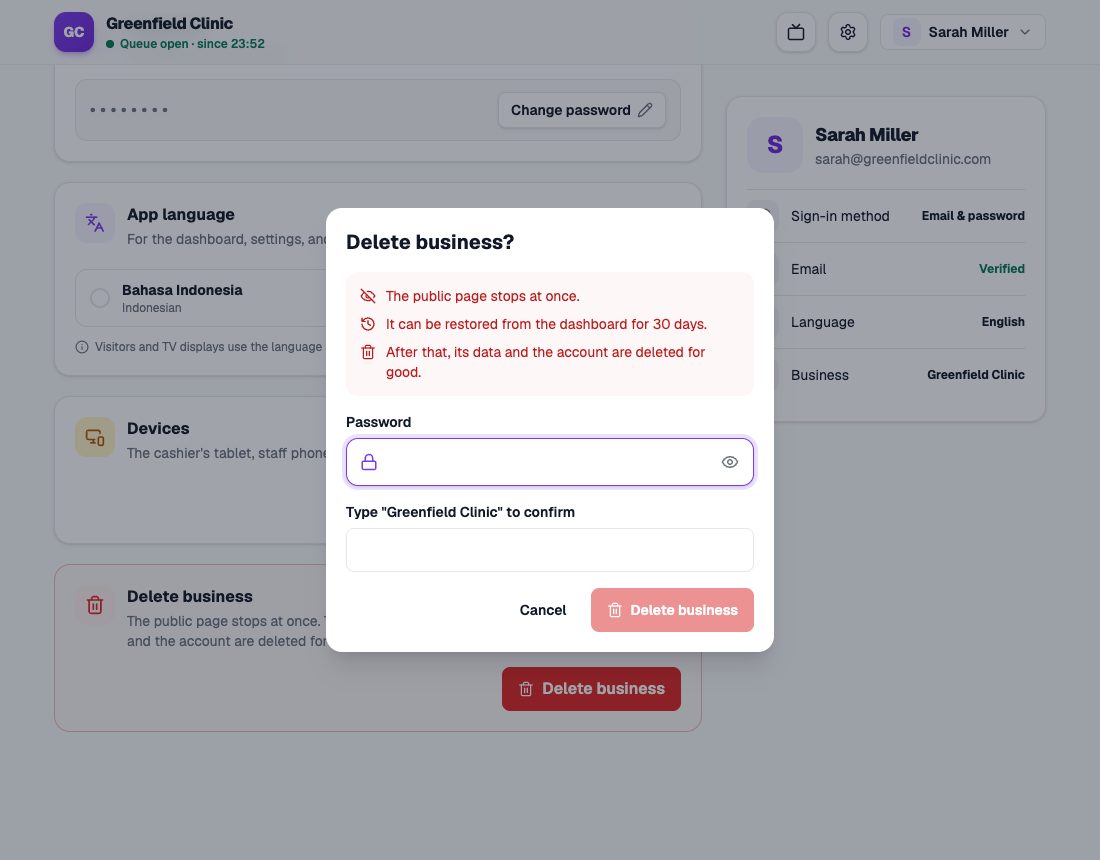
The Delete business dialog with password and business name. - 3
Changed your mind? Restore it from the dashboard
For 30 days, the dashboard shows the deletion date and a Restore business button. Once restored, everything is back as it was, including links and QR codes.
After 30 days
The business and account data are deleted for good and can’t be brought back.